Dark Reader
Dark mode and appearance
Teak Browser implements the Chrome Manifest V3 extension model for iOS. Install supported extensions from the Chrome Web Store, Microsoft Edge Add-ons, or built-in search, then review permissions and run them directly in your browser.
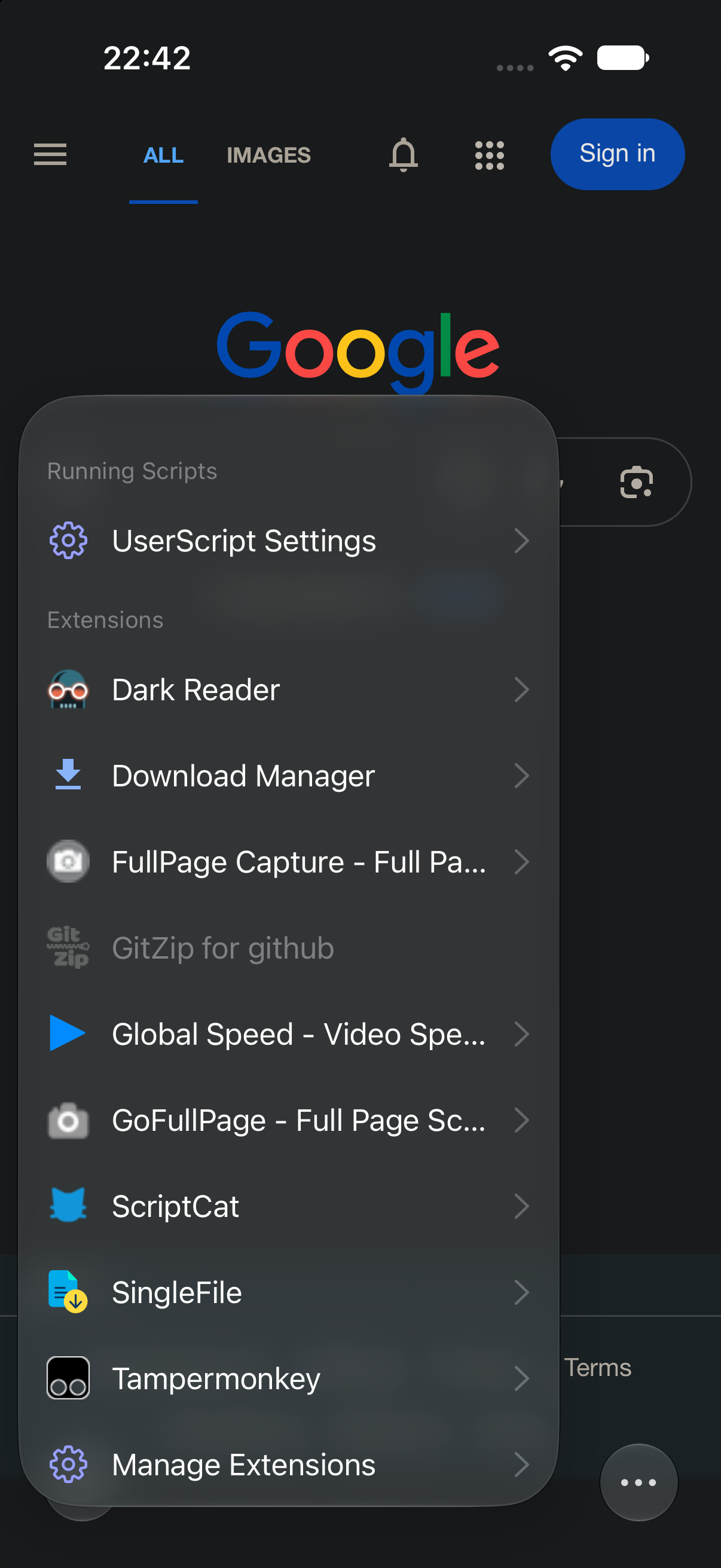
Verified compatibility
The examples below have been verified with Teak and represent appearance, translation, blocking, passwords, writing, capture, personalization, and advanced workflows.
Dark mode and appearance
Web page translation
Content blocking
Password management
Password management
Writing assistance
Full-page capture
Advanced web tools
Advanced web tools
New tab personalization
These are representative examples. Teak has verified compatibility with 100+ extensions and continues to expand support.
Compatibility can change when an extension updates. This list is representative, not a guarantee that every Chrome extension or every version will work. Teak continually identifies, investigates, and fixes compatibility issues to help more extensions run reliably. Names and trademarks belong to their respective owners.
Installation
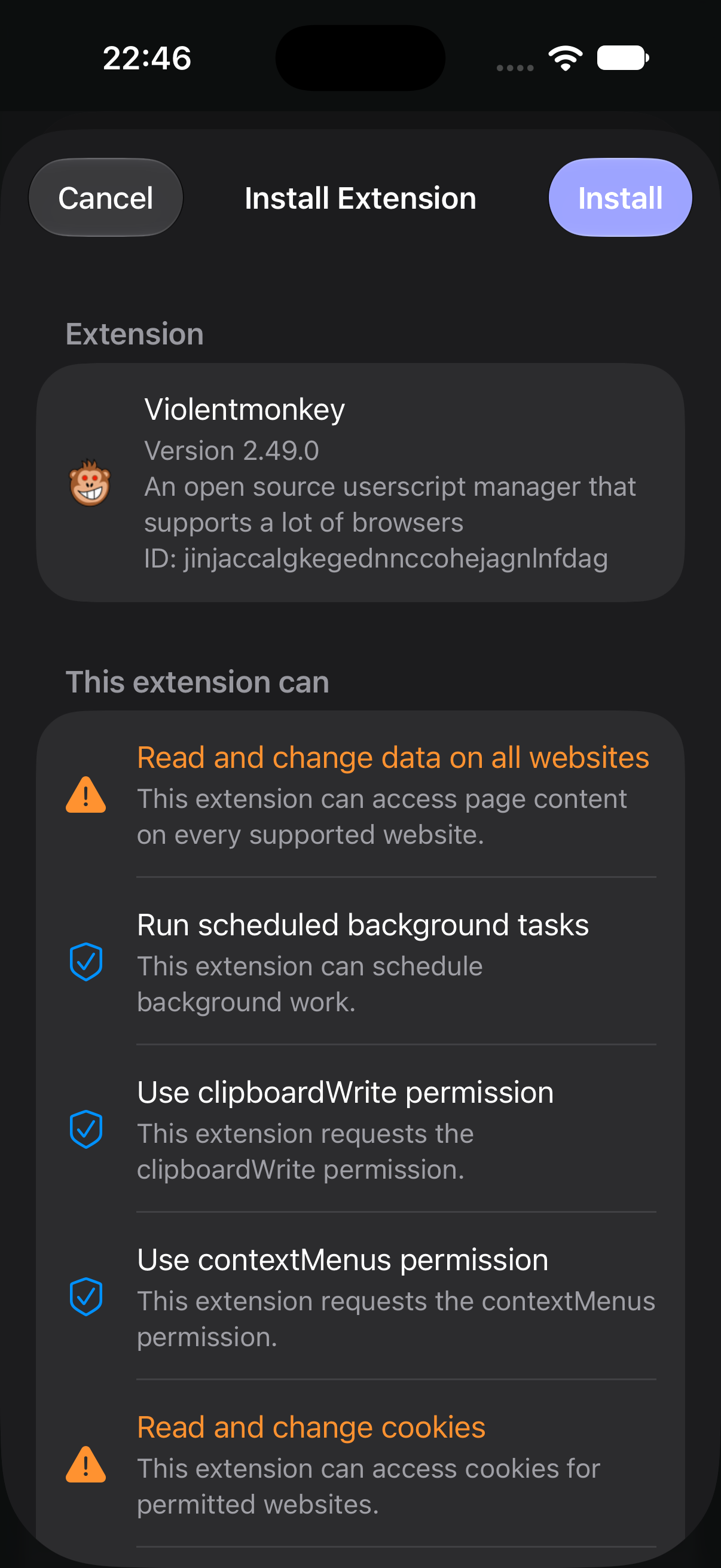
Use a familiar extension store or search Teak's curated extension discovery experience. Teak shows requested permissions before installation.
Browse the Chrome Web Store in Teak and start installation from the extension listing.
Install compatible Manifest V3 packages from Microsoft Edge Add-ons.
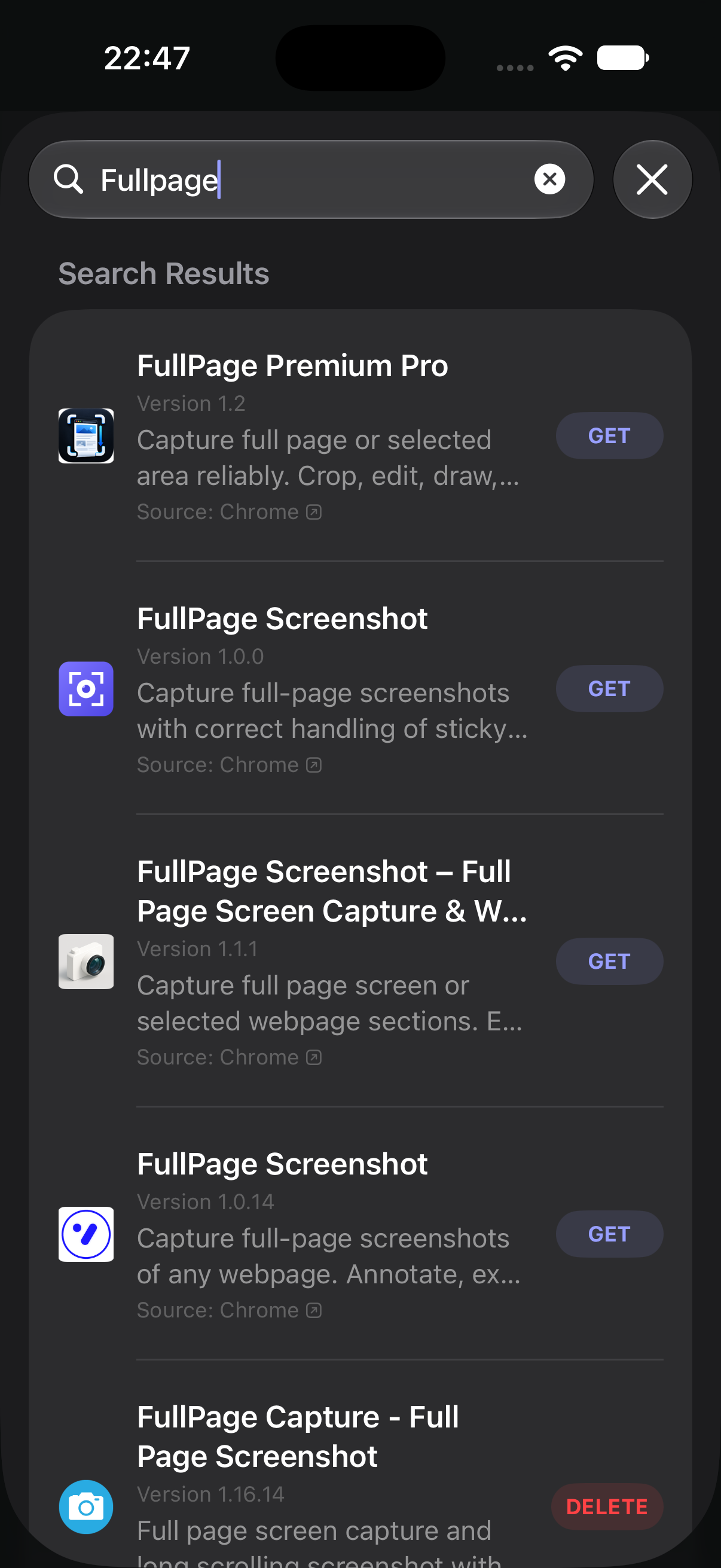
Search for useful and verified extension options without leaving Teak.
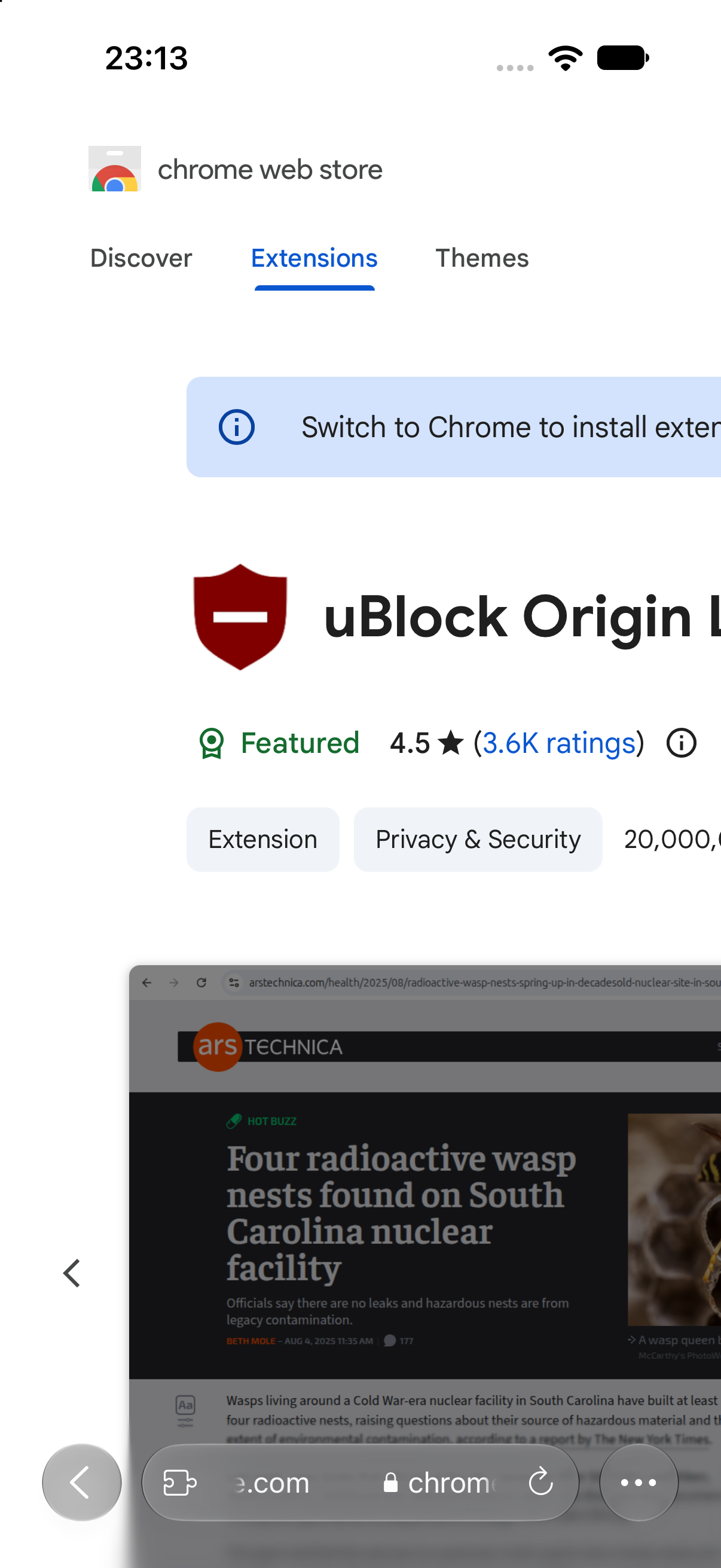
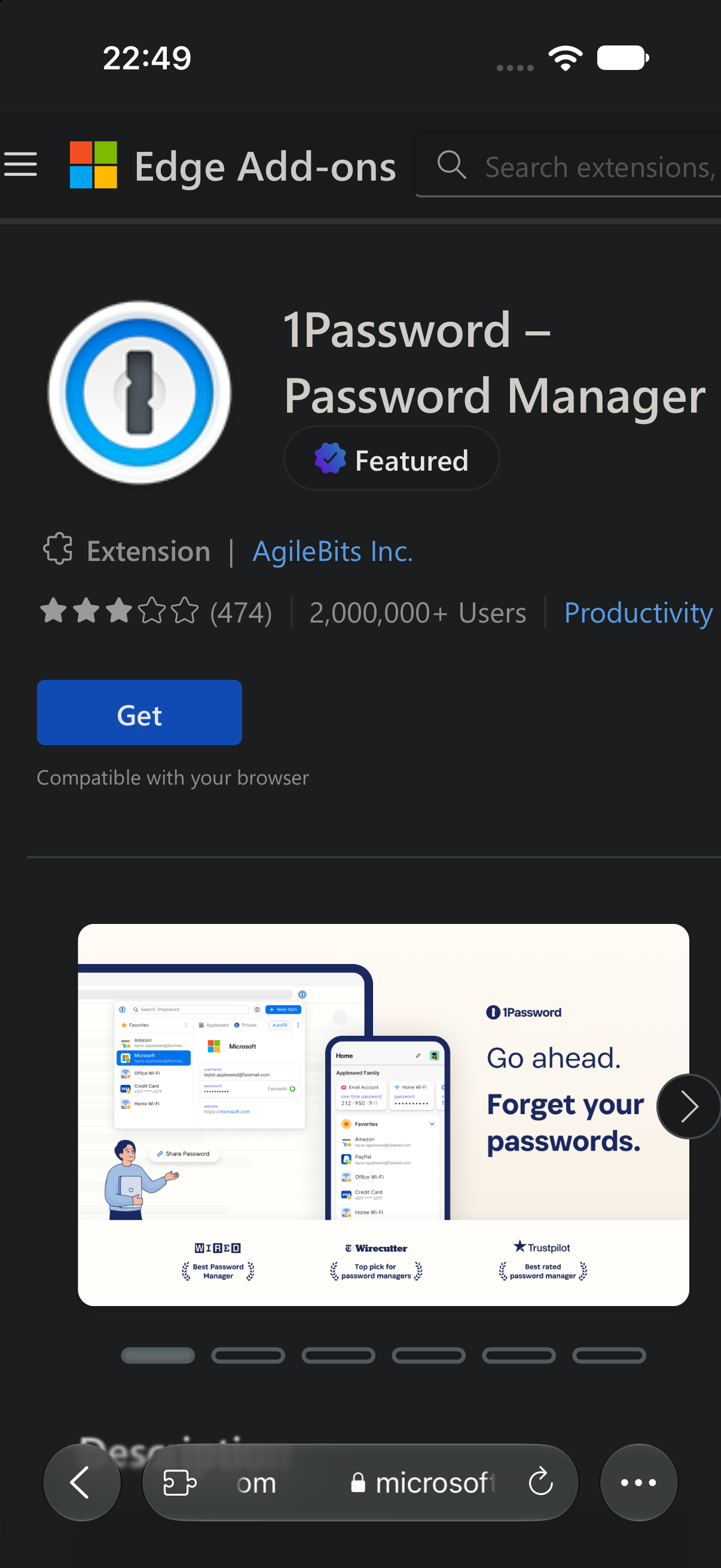
Chrome API support
Teak implements the extension surfaces used by many modern Chrome extensions. Some desktop-only behavior remains limited by iOS and WebKit.
| Capability | Representative APIs | Status |
|---|---|---|
| Extension runtime | runtime, action, service worker, content scripts | Supported |
| Tabs and scripting | tabs, windows, tabGroups, scripting | Supported |
| Data and permissions | storage, permissions, cookies, history, bookmarks | Supported |
| Network control | declarativeNetRequest, webNavigation, webRequest | Partial |
| Proxy configuration | chrome.proxy | Partial |
| Browser interface | contextMenus, commands, sidePanel, offscreen | Supported |
| Utilities | downloads, alarms, i18n, management | Supported |
| Desktop-only integrations | native messaging hosts, DevTools pages, enterprise policies | Not supported |
API availability does not by itself guarantee compatibility. An extension can depend on desktop UI, native companion software, unsupported browser policies, or behavior that is unavailable on iOS. Teak publishes verified extension results in addition to this API overview.
Control and updates
Teak keeps installation and update decisions visible instead of silently granting new access.
See the access requested by an extension before confirming installation.
Check for updates manually. If a new version adds permissions, Teak asks for confirmation again.
The same extension system is available on iOS and iPadOS 17 or later.
FAQ
Clear answers about standards, stores, compatibility, permissions, and updates.
Teak supports compatible extensions built for the Chrome Manifest V3 standard on iPhone and iPad.
Teak currently declares support for Manifest V3 extensions. Use the current MV3 release of an extension when available.
Yes. Teak supports installation from the Chrome Web Store and Microsoft Edge Add-ons, as well as its built-in extension search.
No. Teak has verified more than 100 extensions, but desktop-only features and iOS limitations can affect compatibility.
No. Teak currently uses manual extension updates so users can review the new version and any added permissions.
Teak implements core runtime, service worker, content script, tabs, storage, scripting, permissions, DNR, navigation, side panel, offscreen, downloads, alarms, i18n, and related APIs. Some network behavior is partial on iOS.
Download Teak and use verified Chrome MV3 extensions on iPhone and iPad.
Download Teak